How to use a badge machine: complete tutorial for beginners (25, 32, 58 mm)
You've just bought a badge maker and you're looking for how to use a badge machine (complete tutorial)?
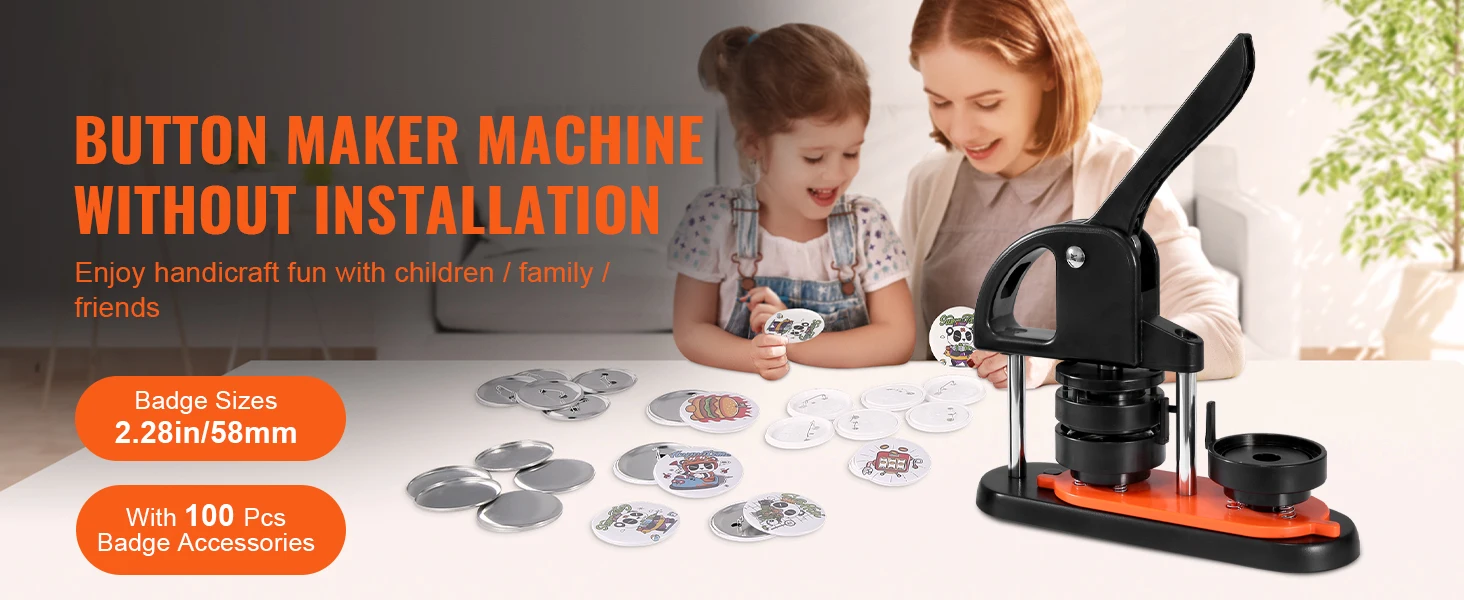
Good news: even if you're a beginner, it's quick to get the hang of thanks to an ergonomic arched handle and an aligned die system.
Here's the step-by-step guide to making your badges right the first time.
✅ Step 1: Check the kit contents

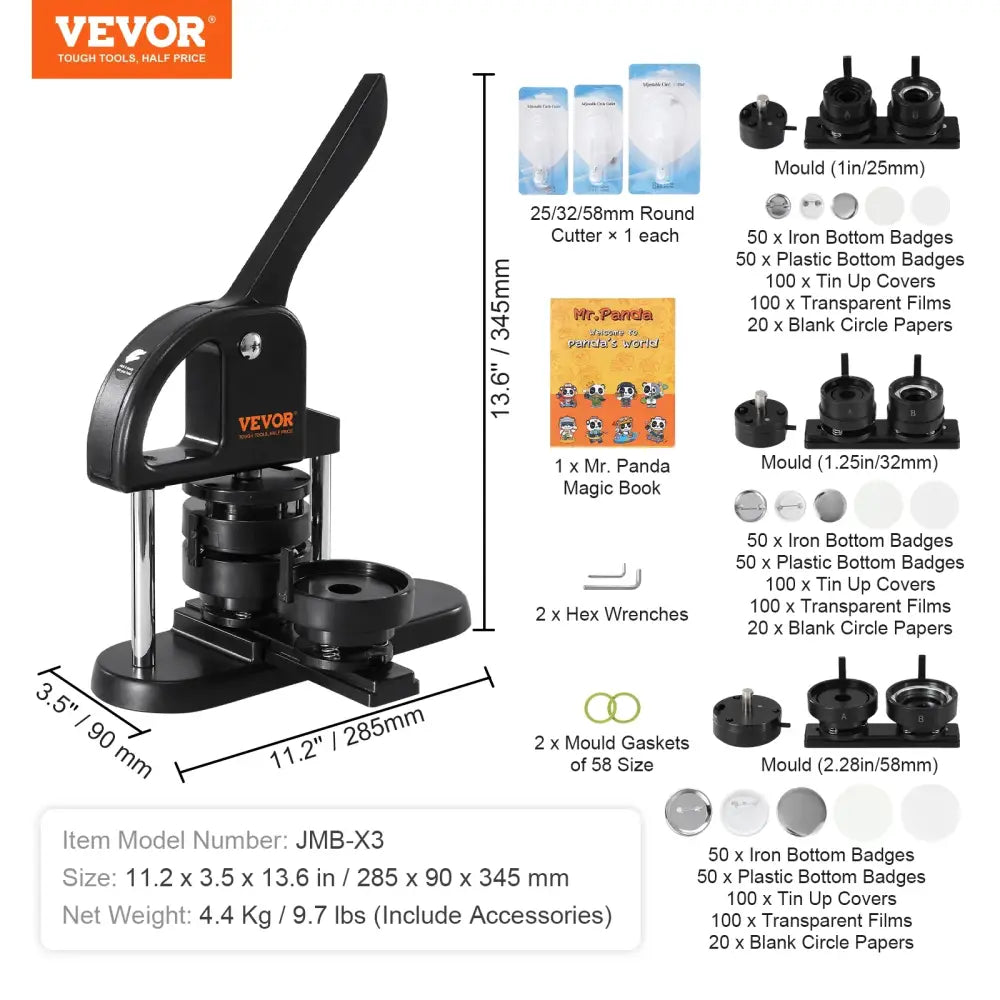
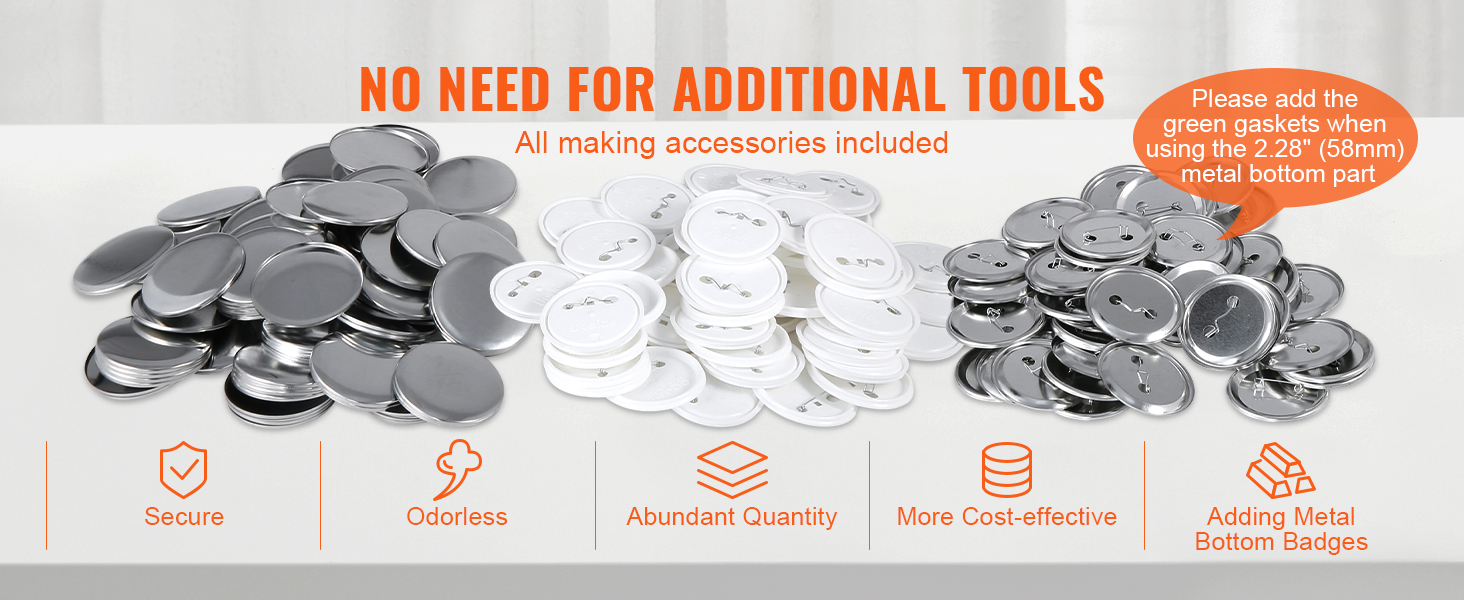
Your machine generally includes:
- Robust manual badge press
- Interchangeable molds (25 mm / 32 mm / 58 mm)
- Metal shells
- Backs with pins
- Transparent plastic films
- Circle cutter
- Hex keys
Before starting, make sure you have chosen the correct diameter.
🎨 Step 2: Prepare your design correctly
For a perfect badge:
- Create your design to the correct diameter (e.g., 58 mm).
- Allow for a slight overflow (2-3 mm) for crimping.
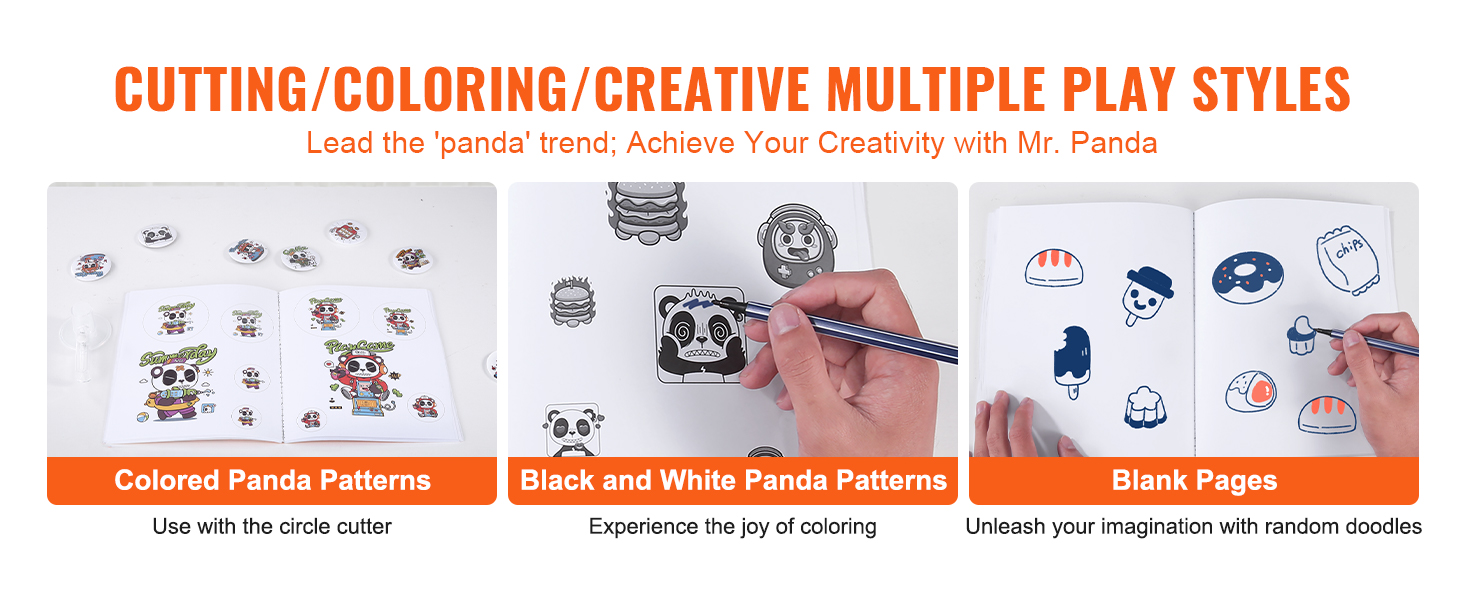
- Cut cleanly with the provided circular cutter.
Tip: 120–160g paper gives excellent results without added thickness.
⚙️ Step 3: Install the elements into the machine
In the first die:
- Place the metal shell (hollow side up).
- Add your centered design.
- Place the transparent plastic film on top.
Check the alignment using the mold's positioning mark.
🏗 Step 4: Crimping the badge
- Turn the base towards the first station.
- Lower the arched handle with a firm, smooth motion.
Uniform pressure ensures a clean, wrinkle-free crimp.
🔄 Step 5: Attach the badge back
- Place the pin-back in the second die.
- Turn the base.
- Lower the handle again.
Your badge is complete ✔️
🔍 Tips to avoid common mistakes
❌ Poor centering → off-center badge
❌ Paper too thick → incomplete crimping
❌ Insufficient pressure → poorly closed badge
✔️ Always check that the shell is properly clipped after the first press.
✔️ Regularly clean the dies for optimal results.
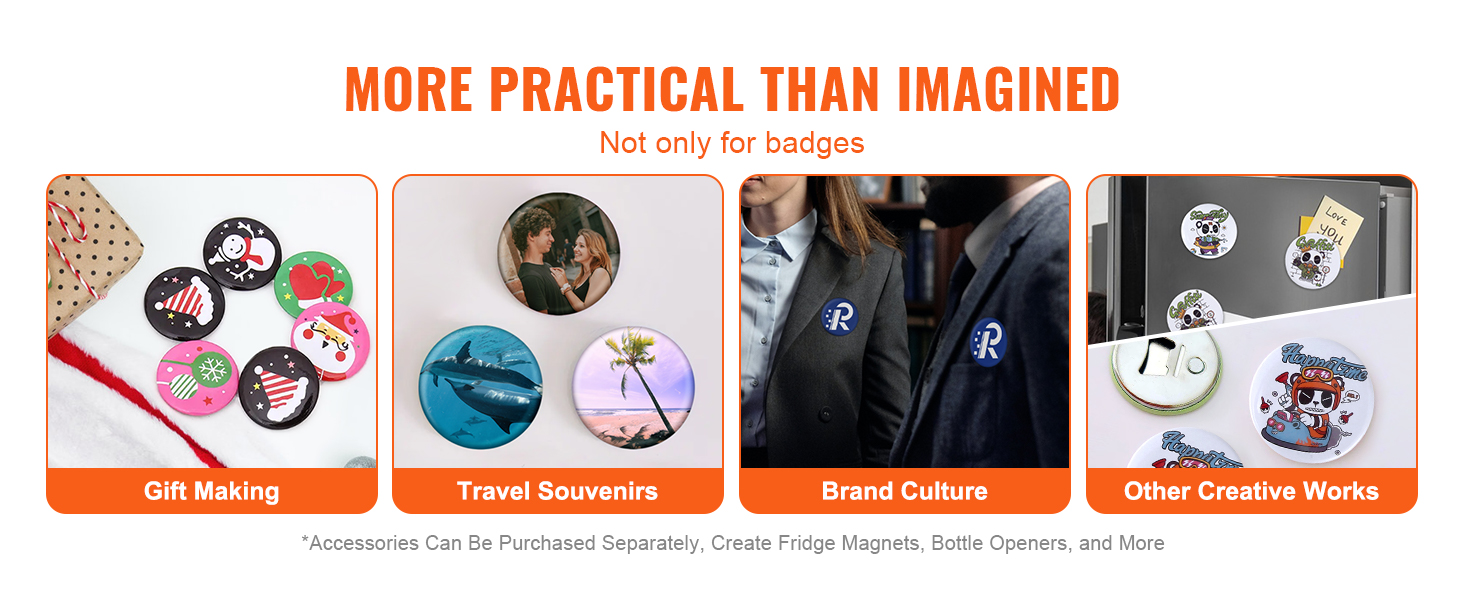
📏 Which diameter to choose?
- 25 mm → Ideal for school / discreet
- 32 mm → Versatile size
- 58 mm → Event / high visibility
A machine compatible with multiple sizes allows you to expand your creations.
🚀 Why choose a robust badge machine?
A stable press with an ergonomic handle:
- Reduces fatigue
- Improves precision
- Reduces misfires
- Allows for rapid production
Ideal for:
- Associations
- Schools
- Creators
- Events
- Personalized gifts
Conclusion
Knowing how to use a badge machine (tutorial) is simple if you follow these steps:
- Prepare the design
- Position correctly
- Apply stable pressure
- Attach the back
In minutes, you'll have a professional badge ready to wear.